Open Enter
Hands the thread back to the harness it came from, and that app comes forward. Without a desktop app, a terminal opens with its CLI resuming the thread.
Your agent threads, as a colony
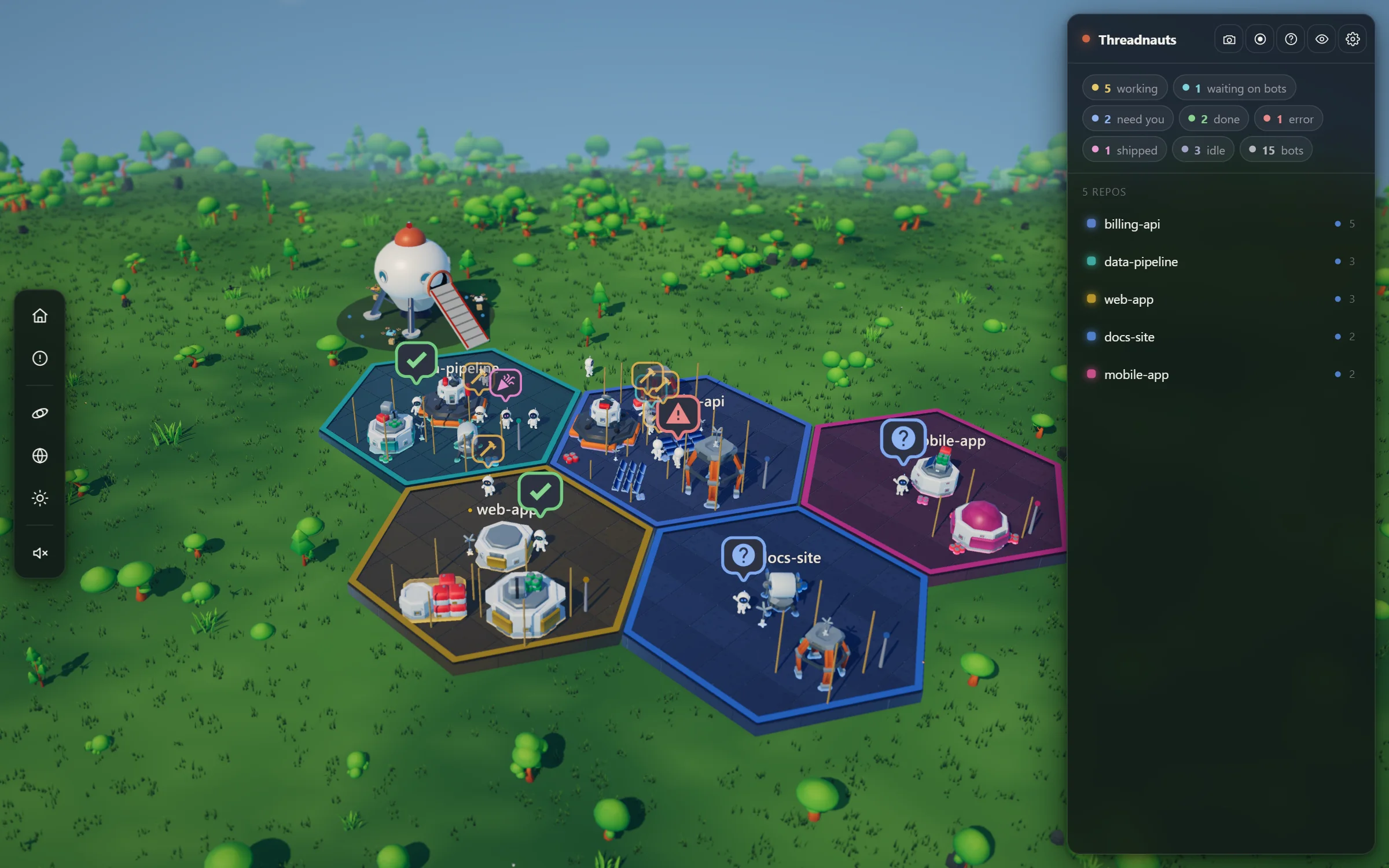
Threadnauts turns the coding-agent threads on your machine into a 3D colony. Each one walks out of the ship, claims a plot for its repo, and builds something. When one needs you, it stops and holds a question mark over its head.
In development for macOS, Windows, and Linux. Free to use.
How it works
Threadnauts reads the session files your harnesses already keep. Every thread becomes someone in the colony, and the map stays put, so after a day you know where everything lives.
At a glance
A bot is always in exactly one state, and each state has one color, on its eyes, its antenna, and the badge over its head. Only the states that want something from you get a badge, so the one question mark that matters never gets buried.
Needs youStopped on a question or a permission prompt. It waves until you answer.
WorkingRunning right now. It hammers at its building while the sparks fly.
DoneThe turn ended and it's your move. It stops, turns to face you, and waits.
Waiting on botsIts subagents are out. It stands at its site until they report back.
ErrorThe last turn failed. It slumps, and its fault light stutters.
ShippedIts pull request merged. It jumps, with confetti and heart eyes.
IdleNothing running. It potters around its plot, and after three quiet days it naps.
Click one
Click a bot and a card opens beside it with its title, branch, model, and last activity. The camera follows it while you watch. Everything you can do is a key away, too.
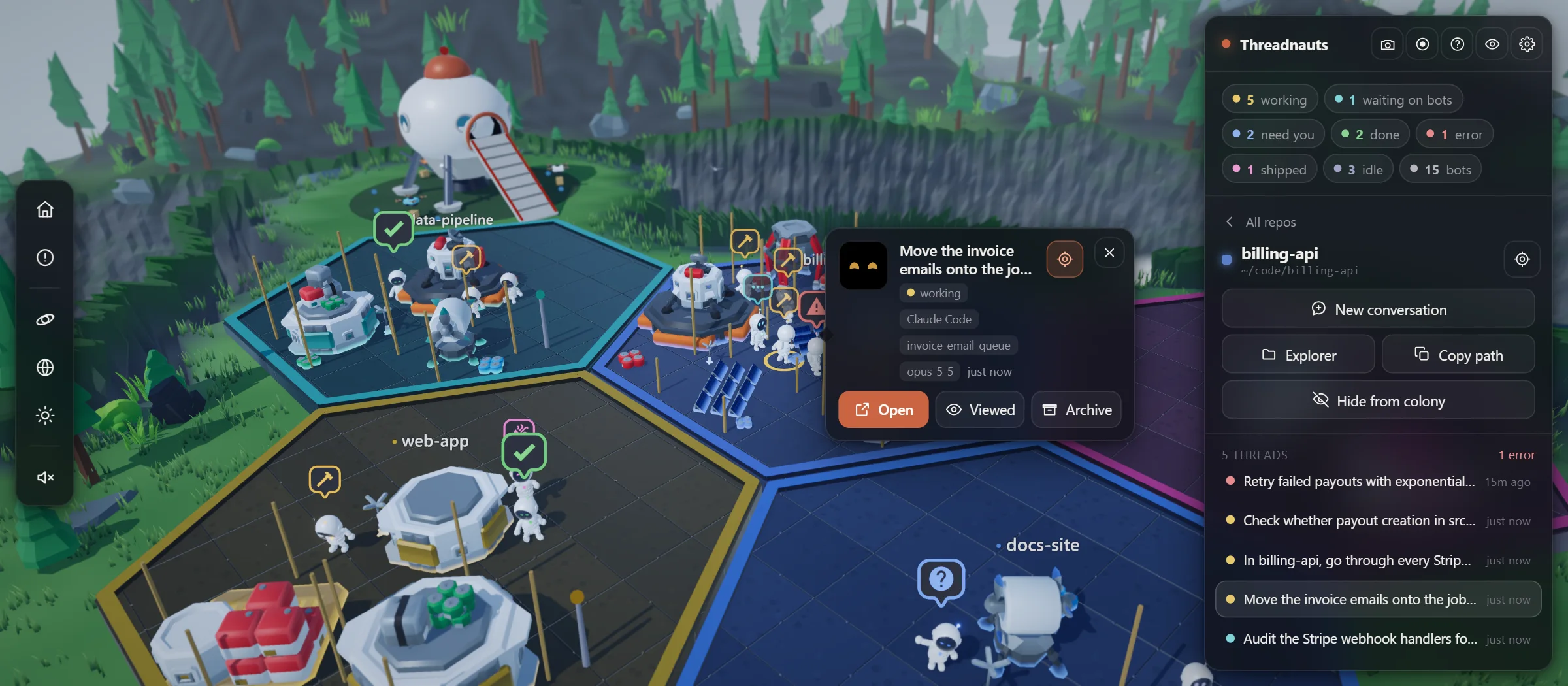
Hands the thread back to the harness it came from, and that app comes forward. Without a desktop app, a terminal opens with its CLI resuming the thread.
Flies the camera to the next bot holding up a question mark, so nothing waits on you for long.
Starts a fresh thread in that zone's folder. Its bot walks out of the ship to join the others.
Puts a waving hand down once you've seen the thread. It asks again the moment it does something new.
Walks the bot back up the ramp into the ship. Nothing is written to your harness; the colony keeps its own list.
Takes a whole repo off the map. Repos that have been quiet for three days fold away on their own, and come back to the same ground when they wake.
Worlds
Set up camp on a meadow, a fjord, Mars, or Saturn's rings, with a day and night you can scrub, let run, or set to follow your own clock. 23 of them are free, and Threadnauts Pro opens the rest.
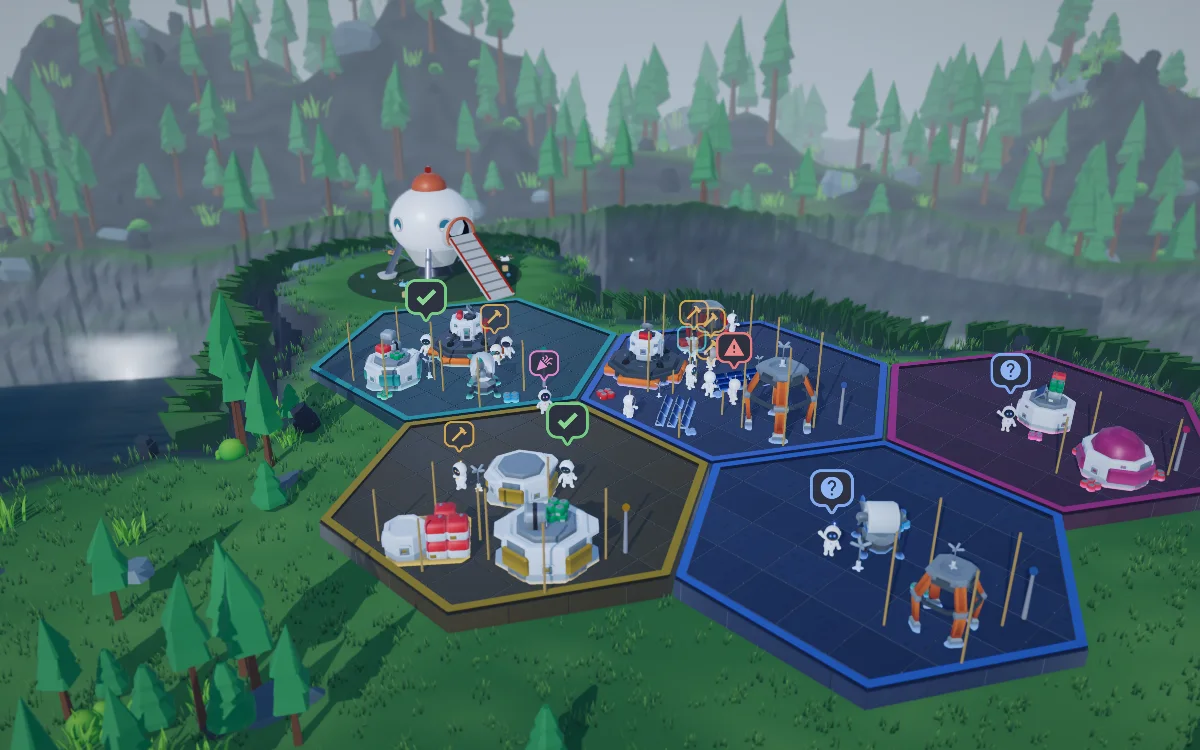
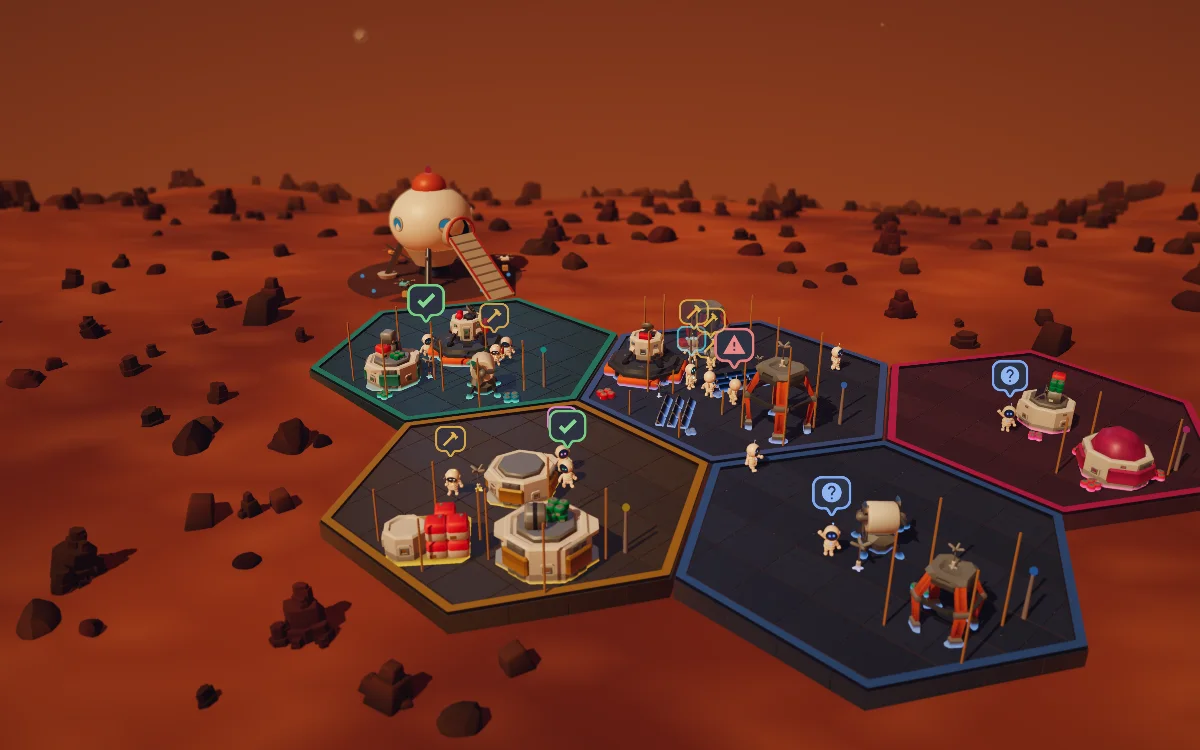
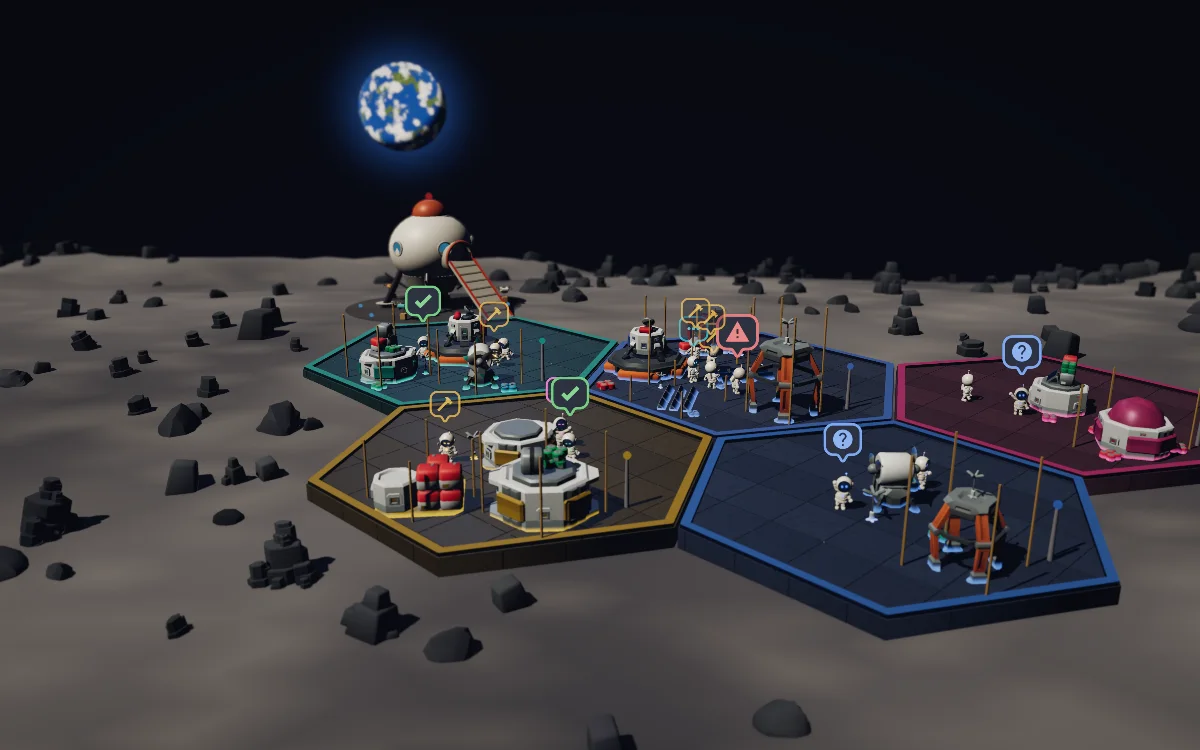
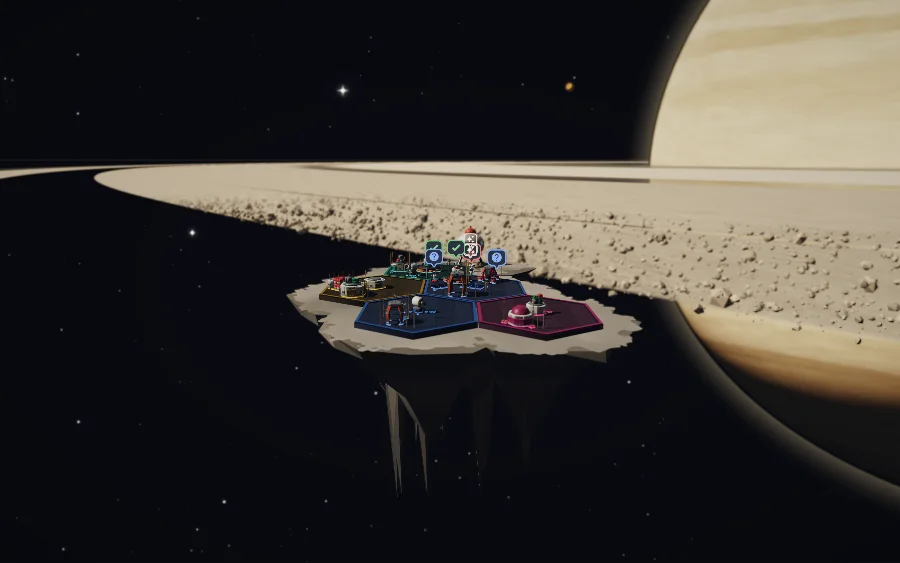
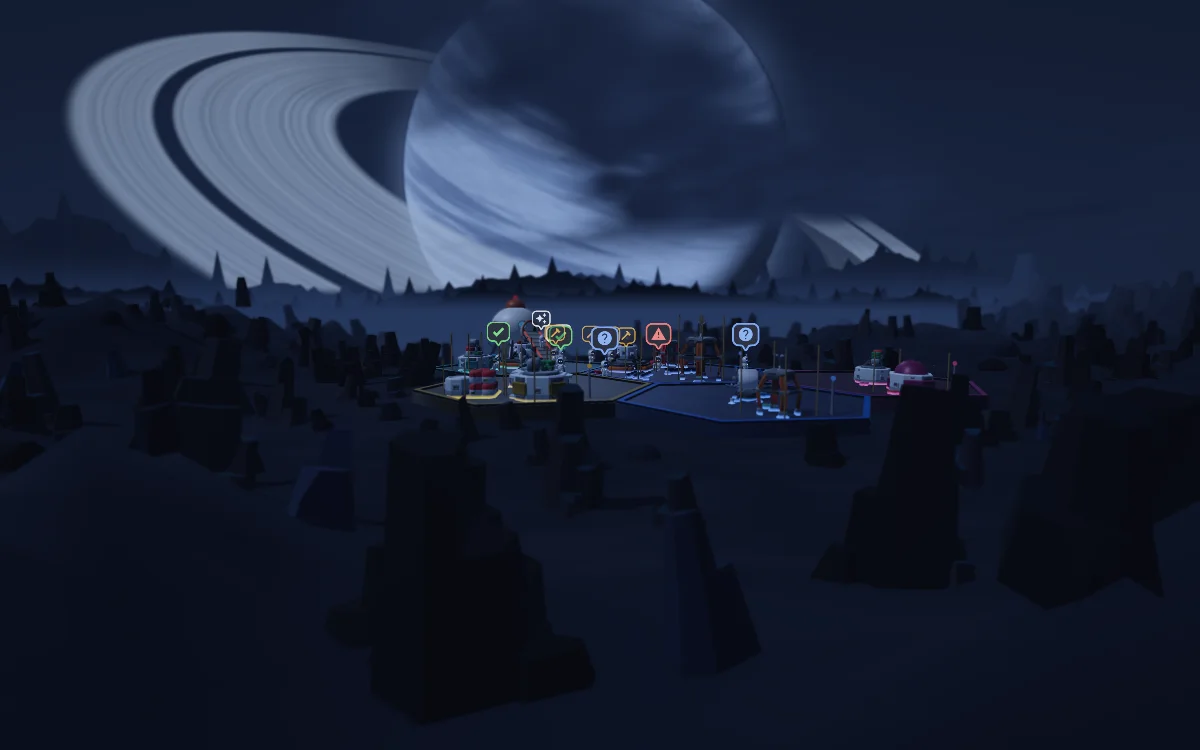
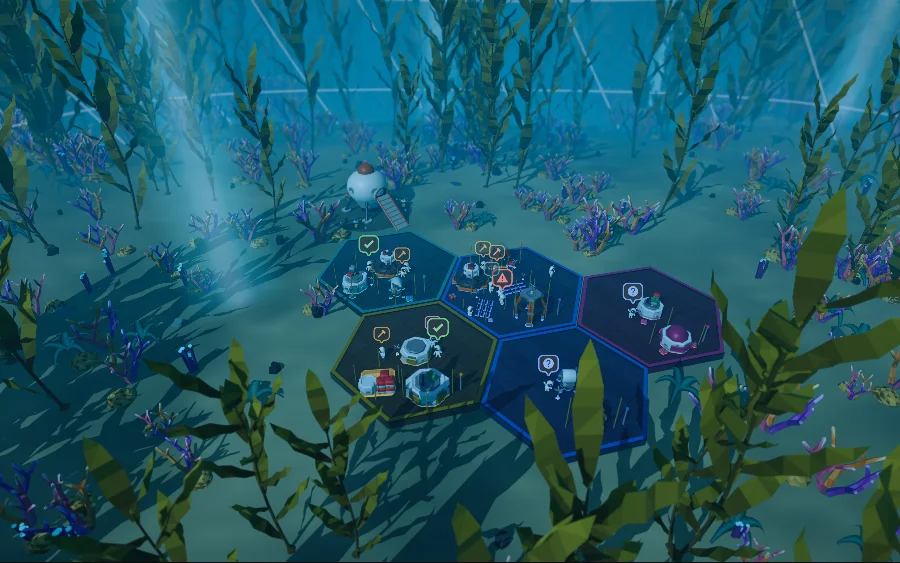
23 free worlds, 57 with Pro, and new ones as they're made.
See every worldHarnesses
Every harness that's installed shows up at once, and each bot carries the name of the one it belongs to. A thread opens back in the app it came from, or in a terminal if you'd rather.
Not yet
macOS, Windows, and Linux. Needs Node 22.13 or newer.
Get started
Threadnauts runs on your own computer and shows itself in your browser. There's nothing to sign up for.
Threadnauts needs Node.js 22.13 or newer, from nodejs.org.
In a terminal, run:
npx @threadcrumbs/threadnauts
It opens in your browser. Run it again any time to bring back the copy that's already running.
Every thread from your harnesses walks out of the ship. Click a bot to open its thread, and press ? to see every key.
npm install -g @threadcrumbs/threadnauts, then run threadnauts.--port 5300 picks another port, and --no-open starts it without opening the browser.Threadnauts isn't released yet. This command works from launch day.
Stays local
It reads your harnesses' own files on your own computer. Nothing about your threads is uploaded, and there's no account to make.
The only file it writes anywhere is colony.json, where your map lives. Archiving a thread is the colony's own bookkeeping.
It serves the colony on your own machine's address, and refuses requests from any other site or host.

Threadnauts keeps to the colony. For tokens, context, spend, and the tool each agent is running right now, there's Threadgauge, from the same people.
Contact
A person reads every message.
[email protected]